
In development · Pilot conversations open
A day's work.
Clearer books.
Accounting for owners, accountants and bookkeepers. Explore what we're building and help shape the next release.
Try a sample company
Temporary demo data. Resets every hour.
Clear daily tasks
Make the next bookkeeping step easy to understand.
Traceable entries
Follow a transaction from its source to its report.
Your own hosting
A self-hosted product, with optional help when you need it.
Know where
your business stands.
Cash, profit and financial position. Start with the questions that matter to you.
See posted cash, income, expenses and profit together. Open the report behind the number when you need the detail.
Understand income, expenses and the profit left over for a chosen period. Follow the account links to see the entries behind them.
Review what the business owns and owes, with equity and earned profit shown clearly at a selected date.
Explore what could happen to cash using your own weekly money-in and money-out assumptions. This is a planning scenario, not an automatic prediction.
Working development application · Synthetic company data · Country-neutral reports
A simple sale.
Connected to the books.
Choose from a sample catalog, build a basket and record a cash sale with a receipt and linked accounting entry.
This early cash-sale workflow does not yet manage stock, tax, credit sales or card payments.
Try the whole picture.
Explore owner reports, a sample cash sale and the accounting behind them. Temporary synthetic data resets every hour.
For bookkeepers: follow an expense into the accounts Explore the connected accounting journey
Follow one expense.
See the whole story.
From a saved expense to a balanced entry and a report you can trace.
Expense recorded: USD 125 paid to Harbor Office Supply. The posted record keeps its payee, date, category and journal link together.
Journal PL-00000002 balances a USD 125 expense debit with a USD 125 bank credit. Its source link returns to the original expense.
A USD 1,000 receipt less the USD 125 expense leaves USD 875 in the bank. The trial balance shows matching debit and credit totals.
Working development application · Synthetic company data · Screens captured 14 September 2026
Take a closer look.
The demo uses temporary synthetic data and resets every hour. Keep your own business records out of it.


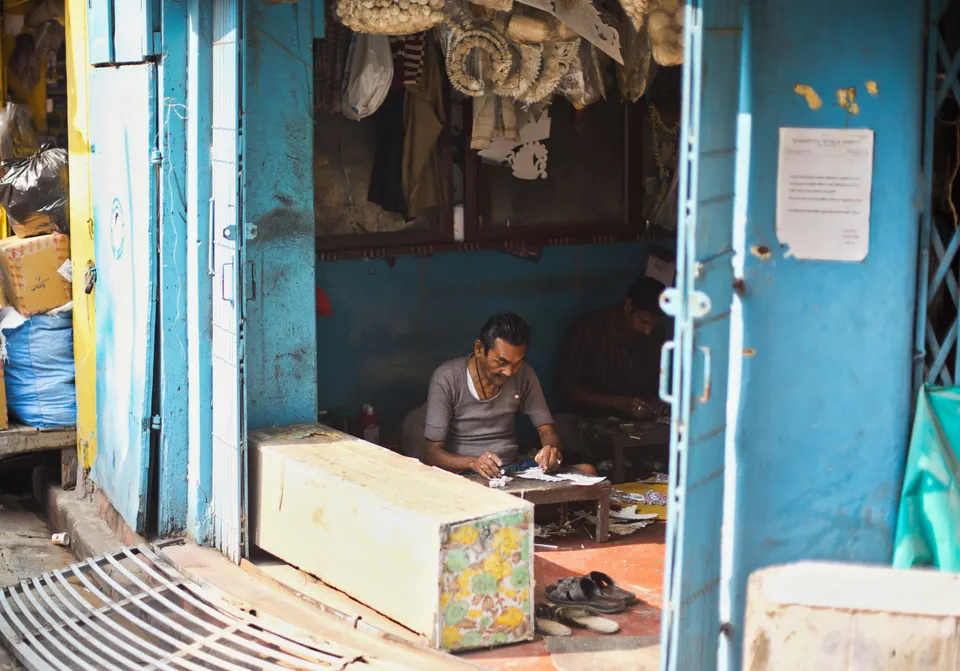
Illustrative photography. Not customer endorsements. Photo credits
A practical start.
Room to grow.
One dependable accounting journey first. Each next step follows evidence, review and a realistic milestone.
- This milestoneIn development
Connect the essentials.
Company setup, receipts and expenses, balanced journals, owner reports, a cash planning scenario and a simple cash-sale POS. We are validating this development preview before a stable release.
- NextPlanned
Bring your records with you.
Historical imports with mapping, preview, error correction and reconciliation. Document scanning is also planned, with human review before any financial entry is posted.
- Further aheadFuture roadmap
Grow with your business.
Customer receivables, supplier payables and stock reports need the invoice, bill and inventory workflows that support them. Reviewed country templates, more languages, foreign exchange, multiple books and industry POS are also planned.
These are future directions, not current tax coverage or released modules.
Support on your terms
Own your software.
Choose the help you need.
PHP Ledger is being built for customer-owned hosting, with optional paid help for setup, training and troubleshooting.
Ask about supportInstallation assistance
Start with a clear environment check and an agreed setup scope. Supported hosting guidance is being validated.
Training and troubleshooting
Help for owners and bookkeepers, with deliverables and response expectations agreed before work begins.
Open-source direction
New project-owned code and documentation use the MIT licence. Dependencies, assets and archived code retain their separate terms.
Useful software is
built with real experience.
Owners, accountants, designers and developers each see a different part of the problem. Help us make the next release clearer and more dependable.
View the repository  (opens in a new tab)
Documentation & your first install
Explore the current scope and future plans in the project Wiki. Read Getting Started for installation requirements and the foundation preview download.
Milestone funding is being prepared. No funds are collected on this website.
A few things to know.
Can I use this for live bookkeeping today?
PHP Ledger is in development. The public demo is a temporary sample environment. A stable release and supported pilot use need their own accounting, security, installation and usability checks.
How can I install the new PHP Ledger?
The 0.1.0-preview package is available for evaluation with synthetic data. It includes production dependencies and installation instructions for PHP 8.5 and MySQL 8.4. Follow the Getting Started guide for requirements and known limits. Use the public demo to evaluate the current work with temporary sample data.
Can I import my old records?
Historical imports are planned for the next phase. They will preview mappings, errors and totals before confirmation, with opening balances and unpaid documents reconciled at a cutover date.
Will it work for my country or currency?
The first core is country-neutral. A currency display is not tax or foreign-exchange support. Additional languages, reviewed country templates and multicurrency accounting are future work.
What happens to the demo data?
The demo uses synthetic records and resets every hour. Changes are temporary. Do not enter real customer details, confidential financial records or passwords you use elsewhere.
How does joining the pilot work?
Tell us your role, business type and bookkeeping challenge. The form below prepares an email for you to review and send. We will discuss suitability and availability individually; opening a draft does not register or reserve a place.
Let's build the next chapter
Help shape
the next release.
Tell us how you keep your books today and what would make the work easier.
We are preparing a small supported pilot. Fit and availability will be discussed individually.